




Game: Dream Garden
Genre: Sandbox, Building, Relaxing
System: Steam (Windows and Mac)
Developer|Publisher: Campfire Studio
Controller Support: No
Steam Deck: playable with a mouse
Price: US $7.99 | UK £6.68 | EU €7,79
Release Date: November 3rd, 2025
Review code provided with many thanks to Press Engine
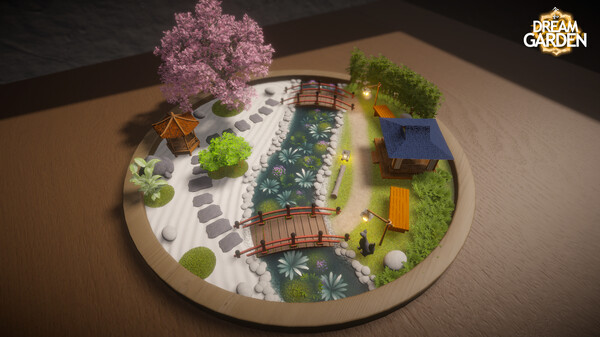
Some games are made to challenge, others to entertain. And then there are those that simply invite you to relax, those are the ones that are much needed these days. Dream Garden, developed by Campfire Studio, falls into that last category. A cozy sandbox experience where you build miniature garden dioramas and let your imagination wander where it wants to go.
Dream Garden doesn’t have a storyline. There are no quests, and no characters to meet. Instead, it offers a quiet space to let your imagination wander where only you can enter and see the results.
Tutorial and Controls
You begin by choosing a setting, perhaps a Zen garden or a lounge table, and from there it’s up to you to make whatever you want. There’s a brief tutorial, just about the basic things you need to know to work with your controls and how to scale things and such. No more is needed as selecting objects, path structures and colours are intuitive.
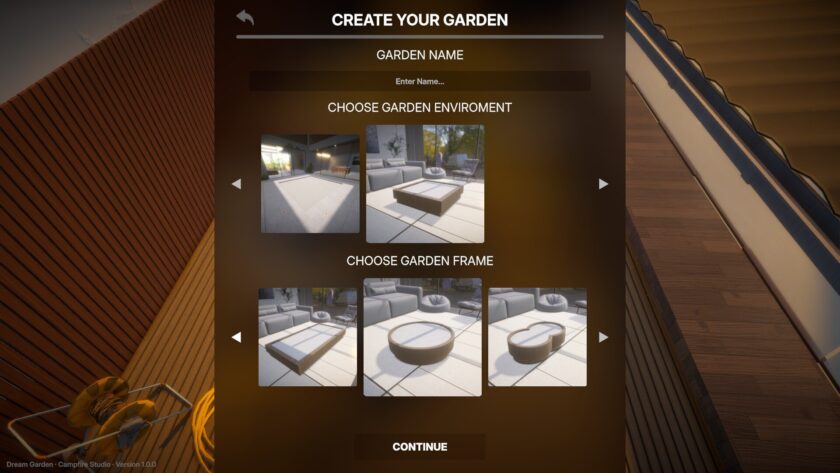
Dream Garden works with keyboard and mouse. For now I played Dream Garden both on the PC and on the Steam Deck with a mouse connected. No problems at all with the controls on the PC. Playing on the Steam Deck without a mouse doesn’t work, and even with the mouse it was a bit of trial and error as you need to find the right button combinations. Maybe in future gaming with a controller will be possible, we can always hope.
Gameplay of Dream Garden
Gameplay is centered around building and decorating your own garden scene. You sculpt terrain and apply textures using multiple tools. For example, you can choose the kind of brush you want, how transparent the brush strokes need to be or you can use stamps to cover an irregular pattern.
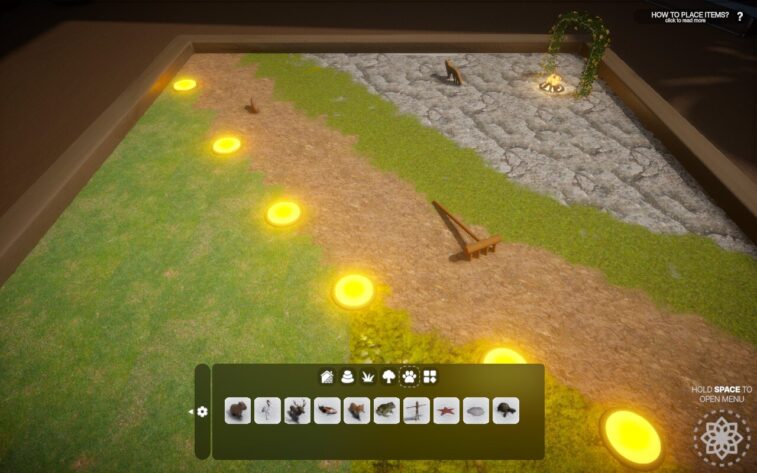
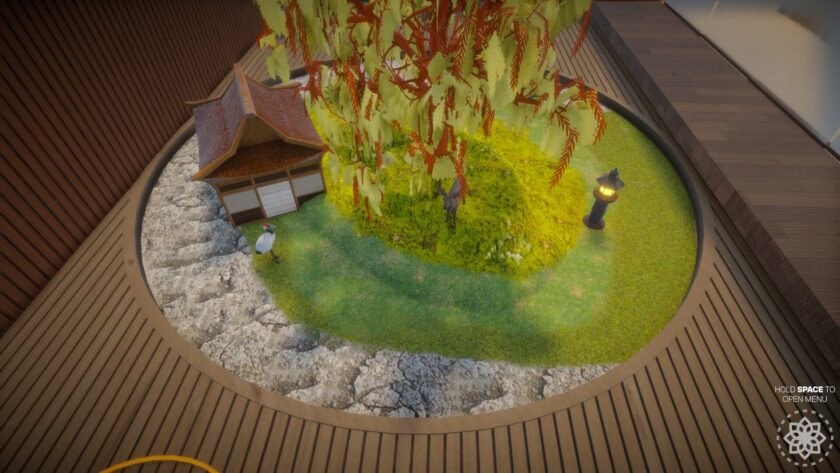
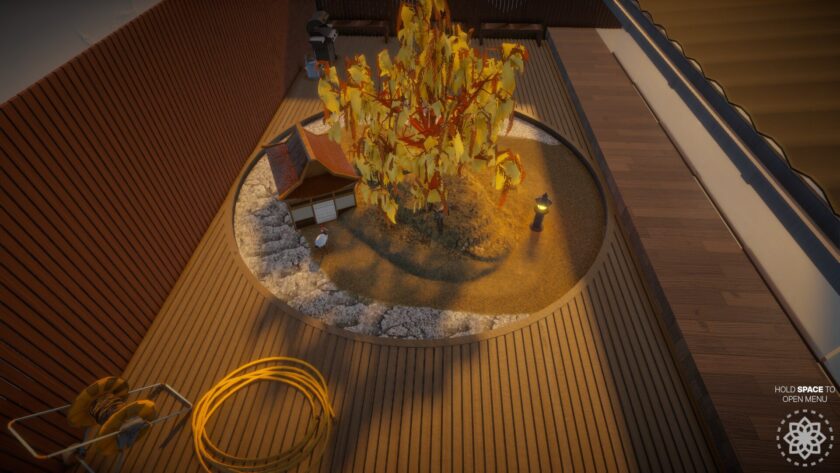
When you’re happy with the basics, you can place items from an extensive library. These include temple-style furnishings, plants, trees, animals, and ambient effects like butterflies and glowing bugs. There’s no resource management or goals, just a peaceful loop of creation and observation.
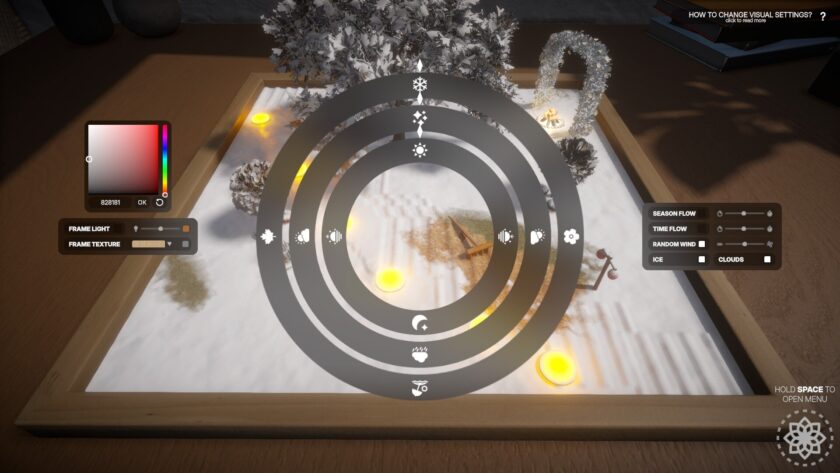
The terrain editor is particularly well done, allowing for subtle shaping and natural-looking textures. And there are many more things to adjust, like the weather effects. When placing your chosen items you bring your garden to life; literally, as the things you place come with their own animations, like the trees swaying in the wind.
Visuals, Sounds and More
The visuals for Dream Garden are beautiful, with a soft art style. The animations add life to the scene you create, like the fish swimming in a pond. I especially like the lights and lanterns you can add, giving the diorama a really life-like feel.
If you feel like it, you can also take out your rake and make patterns in the soil of your garden, creating your own Zen environment.
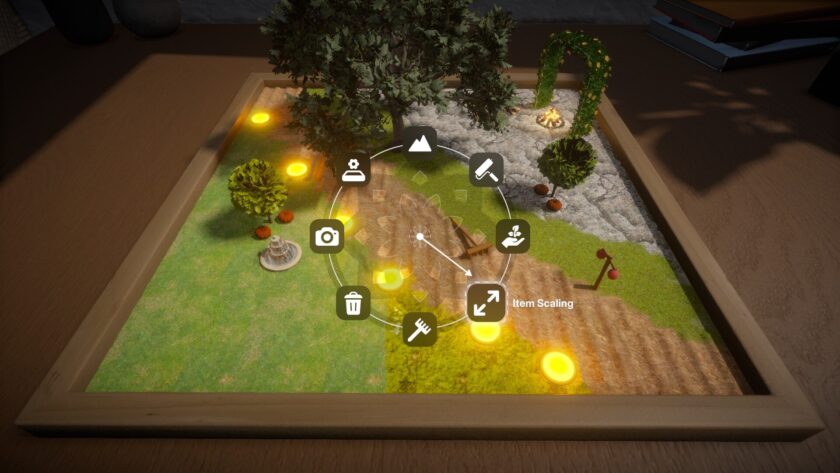
The game is accessible for all ages, and even younger players can jump in and start building without difficulty. The background music is soothing and fitting, and will be released for downloading separately.
Conclusion
Dream Garden is a lovely sandbox for those who enjoy quiet, creative experiences. It’s not a game that demands constant attention, it offers a peaceful space to build and unwind. Whether you’re crafting a temple scene filled with capybaras or designing a serene koi pond, Dream Garden lets you create your own little world and simply enjoy it.
Final Verdict: Two Thumbs Up

Do you like our content?
Subscribe to our daily news and never miss a review!
One comment